
For A Better Browsing Experience Kindly Make Use Of The Phoenix browser
Due to recent issues, we had to change the download process and bring a new direct download pop up.
Although Some device might be having some issues with the new download process the more reason we have taken our Time to guide you through the download process.
All you need to do is follow the step by step process below.
Step One : Visit www.moviedatabase.movie.blog (Since you are here I guess you made it through step one 😁 )
Step Two : Click on the menu icon to select your choice of Videos (Series or movies).
Step three : Click on the download button of the Movie/Series you want to download After Which you will be taken to the main download page
Step Four : Click on the black button that says “Download” or “Episode”. The button should look like these ones below.
Step Five : When you click on the Download button like the ones shown above A pop up menu will be displayed on your phone screen just like the one below.
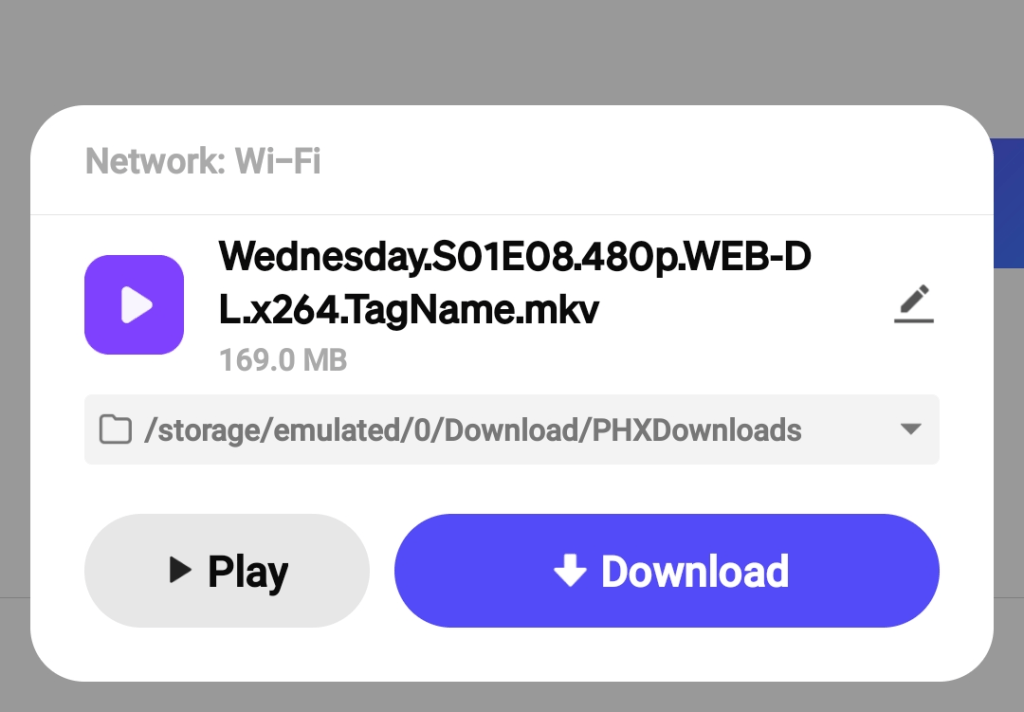
All you have to do is click the button that says “download ” and your download would automatically start after a few seconds, To live stream the video click on the play button.
NOTE
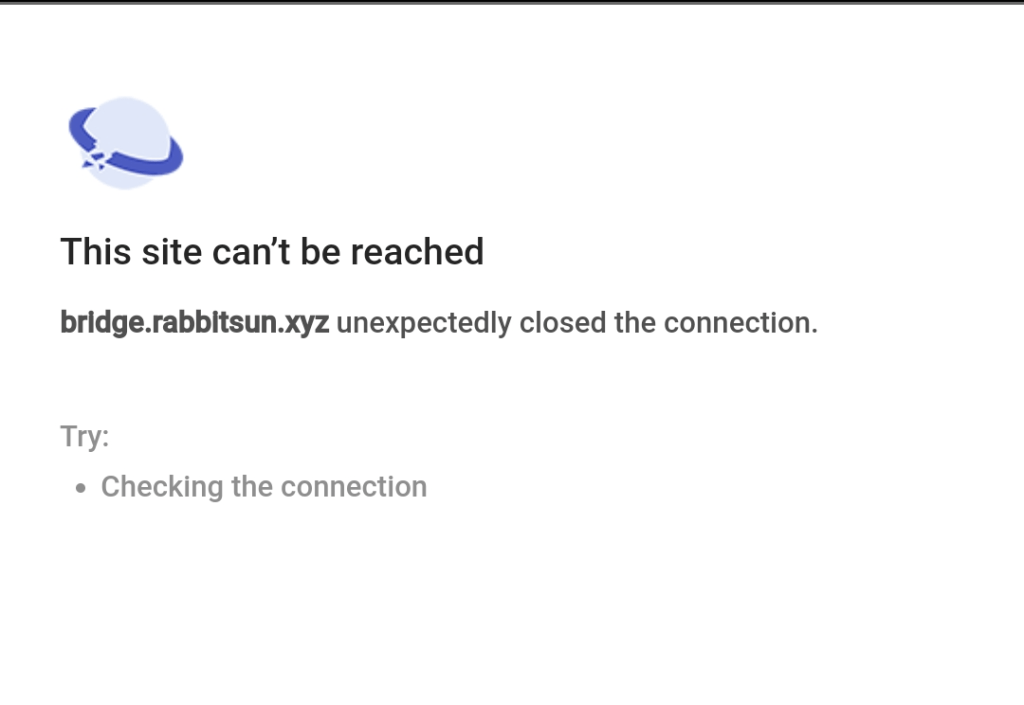
Just incase you are having issues downloading the video all you need to do is reload the error page and the download pop up menu will be displayed on your phone screen or you can go back to the main Page and reclick on the download button.
 Moviedatabase